
Credit Counselling Society: Financial Literacy Month 2026
20 free calculators, self-assessment tools, games, and apps to help Canadians improve their money skills.
Credit line for all images: Courtesy of the Credit Counselling Society · Questions? Contact John Lock

Learn the basics of budgeting with a game. Bill monsters are at the door, and they want your money. Pay the right ones, dodge the loan shark, and build real budgeting instincts.
Play Monsters at the DoorThis kit contains
20 screenshots at 1568 × 679 pixels
Eight games, eleven tool screens, and the tools landing page. Web resolution, suitable for online and broadcast use. Browse the images
Captions and alt text for every image
Written for direct use. Each image has a one-click copy button for its suggested caption and its alt text, and a link to the live tool it shows.
Boilerplate, spokesperson, key figures and usage terms
Everything else a story needs, in the sections below. Key figures · Spokesperson · Boilerplate
How these images can be used
These images may be reproduced free of charge in editorial coverage of the Credit Counselling Society, Financial Literacy Month, or personal finance in Canada. Please credit as shown.
- Free to reproduce in editorial coverage, online, in print and in broadcast
- Cropping and resizing are fine
- The images may not be altered beyond cropping and resizing
- They may not be used in advertising or to imply endorsement of a product or service
Courtesy of the Credit Counselling Society
Email [email protected] and we will supply it.
Games, where mistakes cost nothing
All games are free, run in a browser, and require no sign-up. Click any image to view it full size.
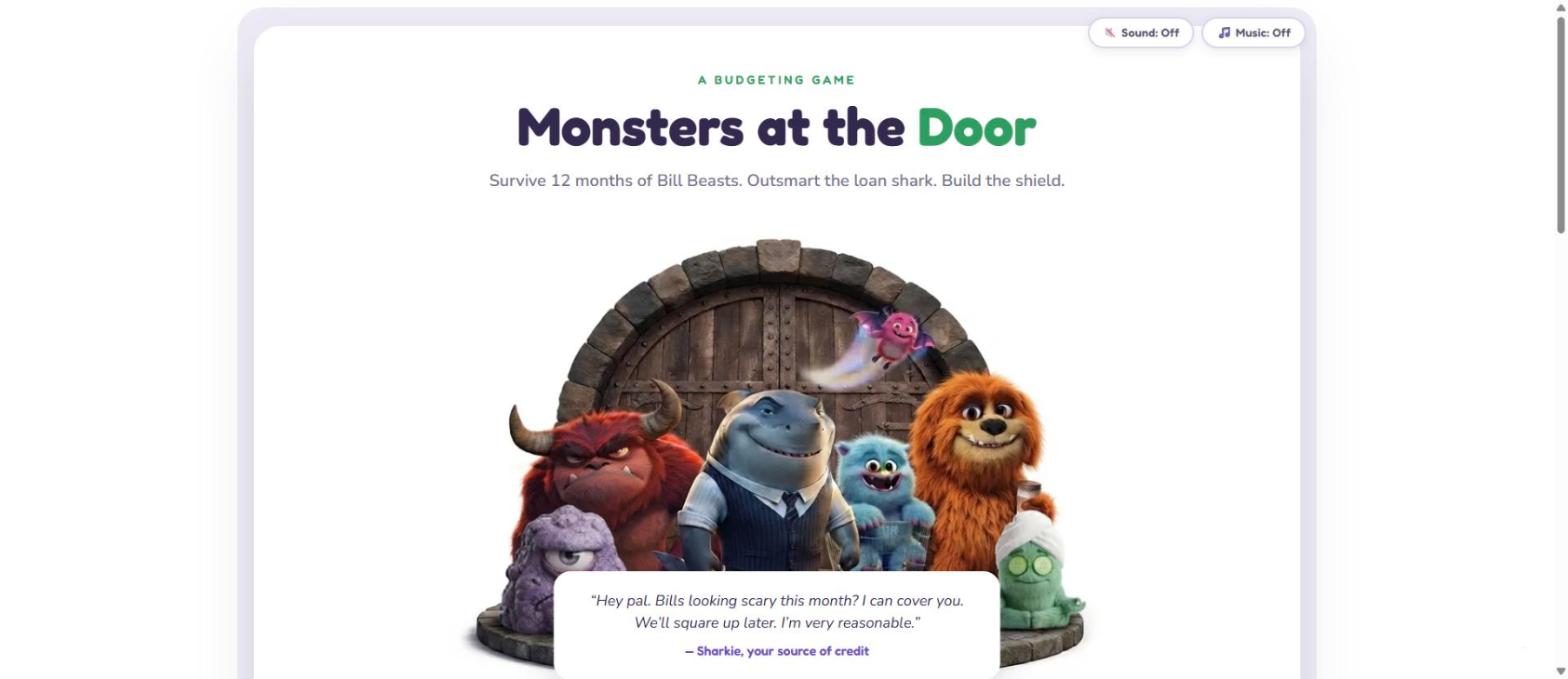
Monsters at the Door
What it shows: Opening screen of the budgeting game, with the Bill Beasts and Sharkie the loan shark.
Monsters at the Door, a free budgeting game from the Credit Counselling Society, asks players to survive 12 months of bills without taking the loan shark’s offer.
An image for a budgeting game with cartoon bill monsters and a shark in a suit standing in a gated doorway, with the game title above them.
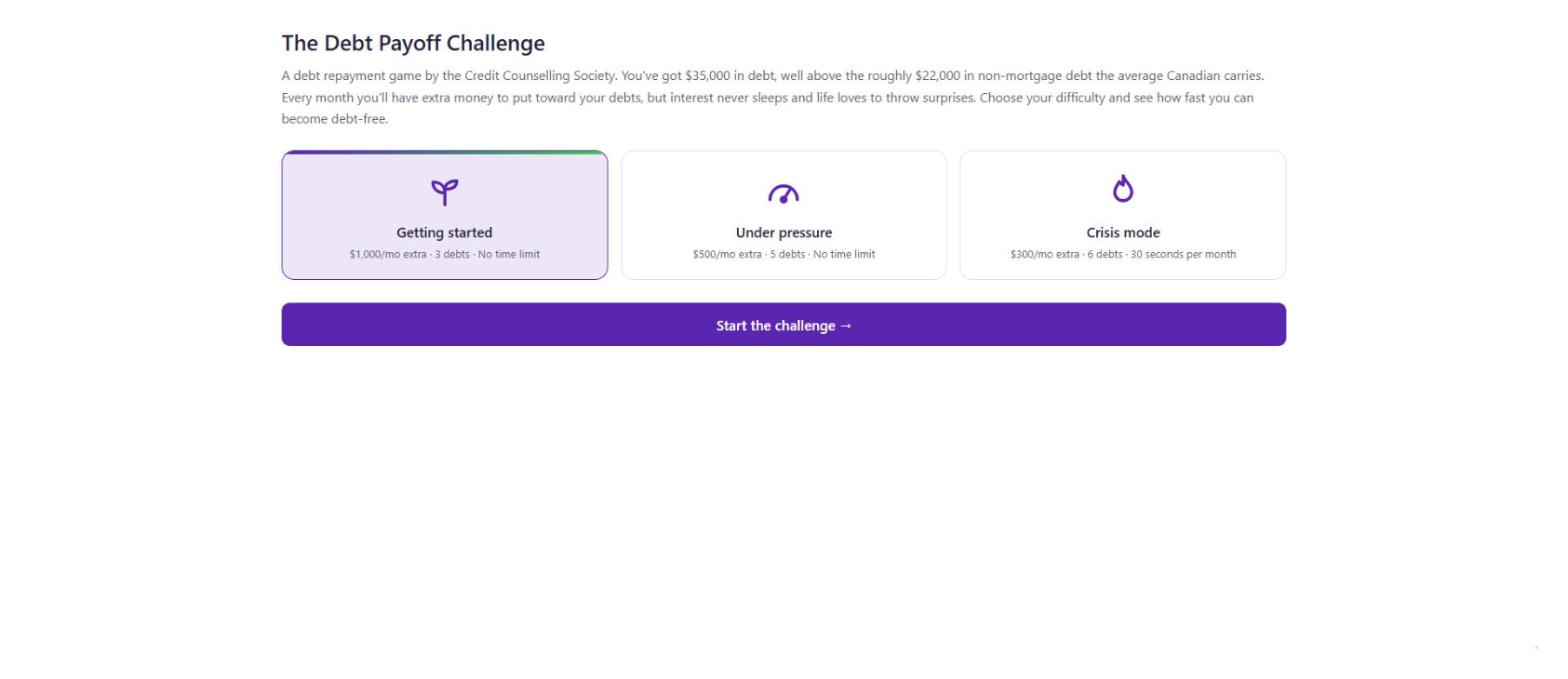
Debt Payoff Challenge (start screen)
What it shows: Difficulty selection: Getting started, Under pressure, and Crisis mode.
The Debt Payoff Challenge lets players choose their difficulty. Crisis mode gives $300 a month, six debts, and 30 seconds per month to decide.
A screenshot of the beginning of the game with three difficulty cards labelled Getting started, Under pressure, and Crisis mode.
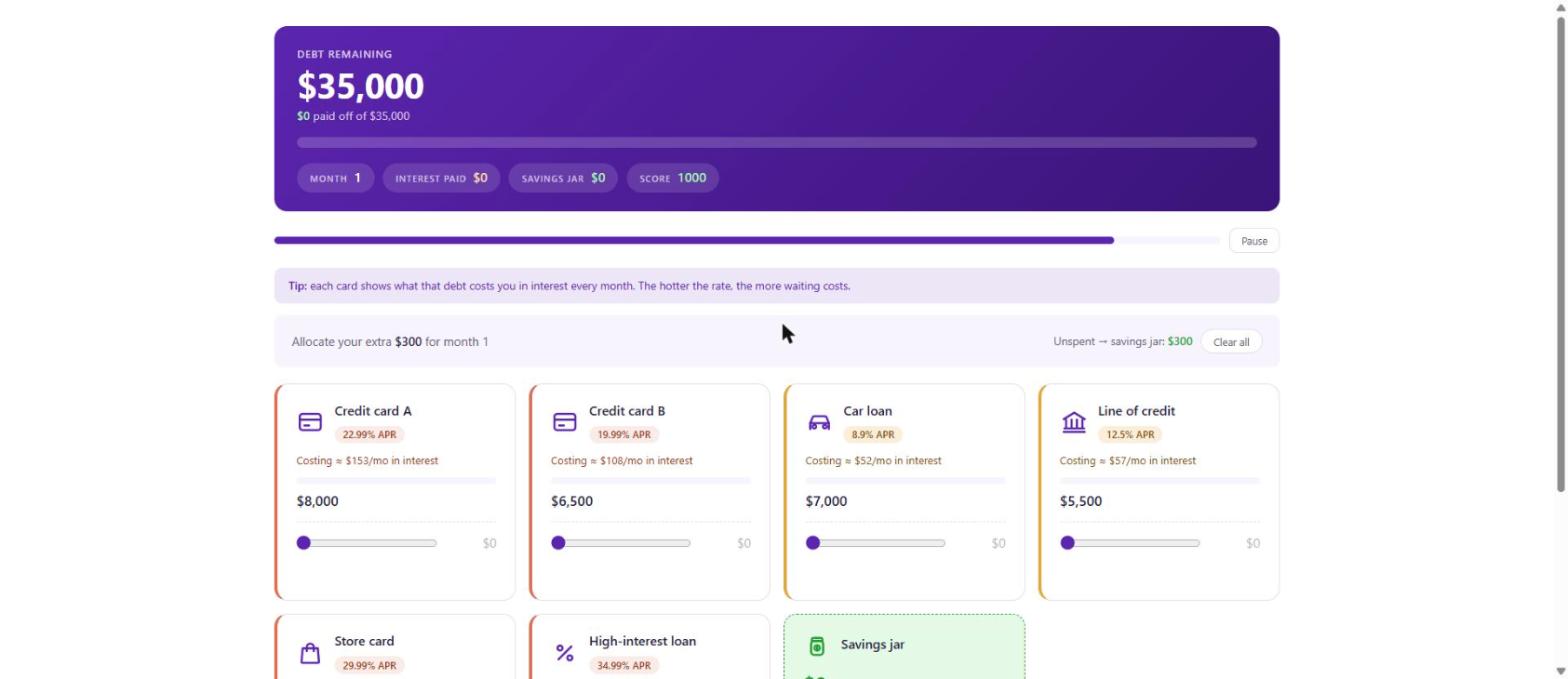
Debt Payoff Challenge (gameplay)
What it shows: Crisis mode in play, showing $35,000 of debt across six accounts with APRs and monthly interest costs.
In the Debt Payoff Challenge, players divide a limited monthly payment across six debts while interest compounds against them.
A dashboard showing $35,000 of debt remaining above six debt cards with interest rates and payment sliders.
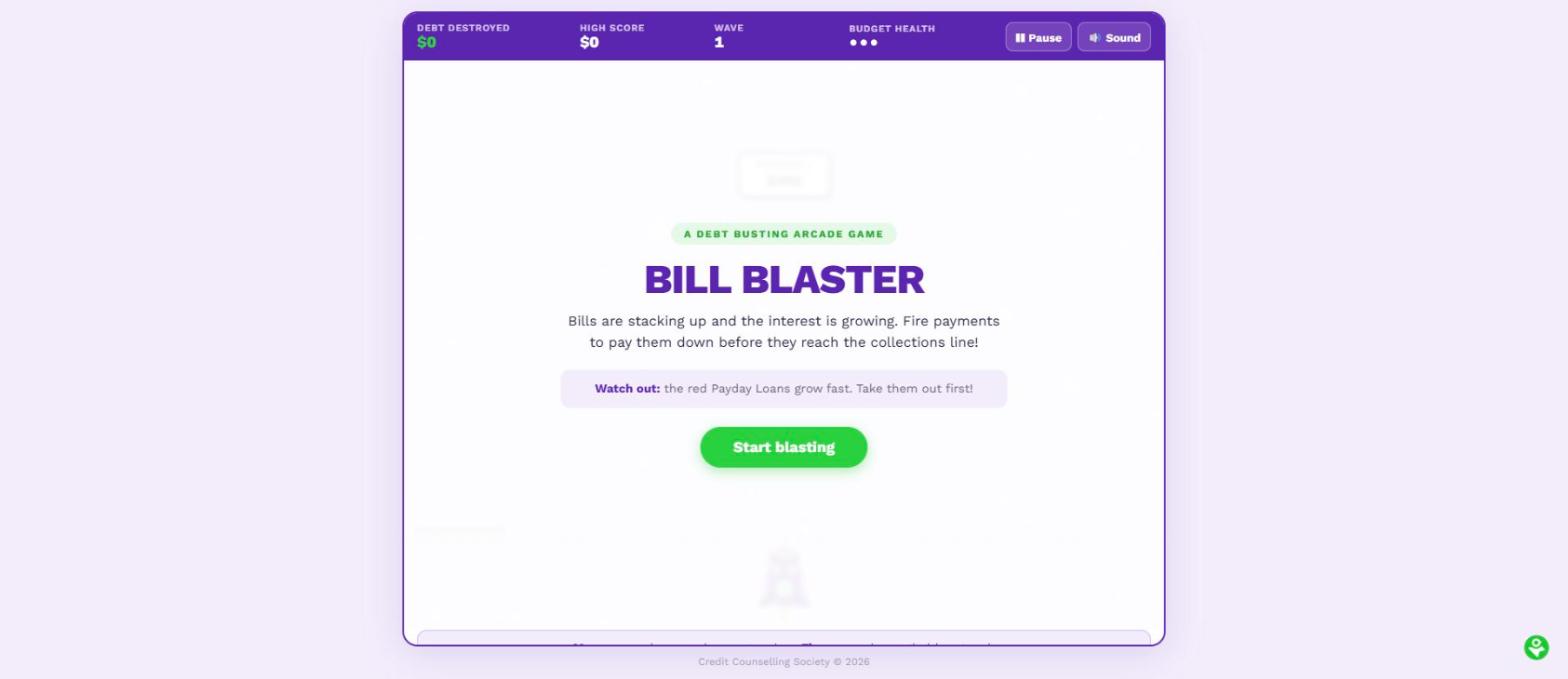
Bill Blaster
What it shows: Opening screen of the arcade game, with the score, wave counter, and budget health meter.
Bill Blaster turns debt repayment into an arcade game. Players fire payments at incoming bills before they reach the collections line.
An arcade game screen with a scoreboard showing debt destroyed, wave number, and budget health.
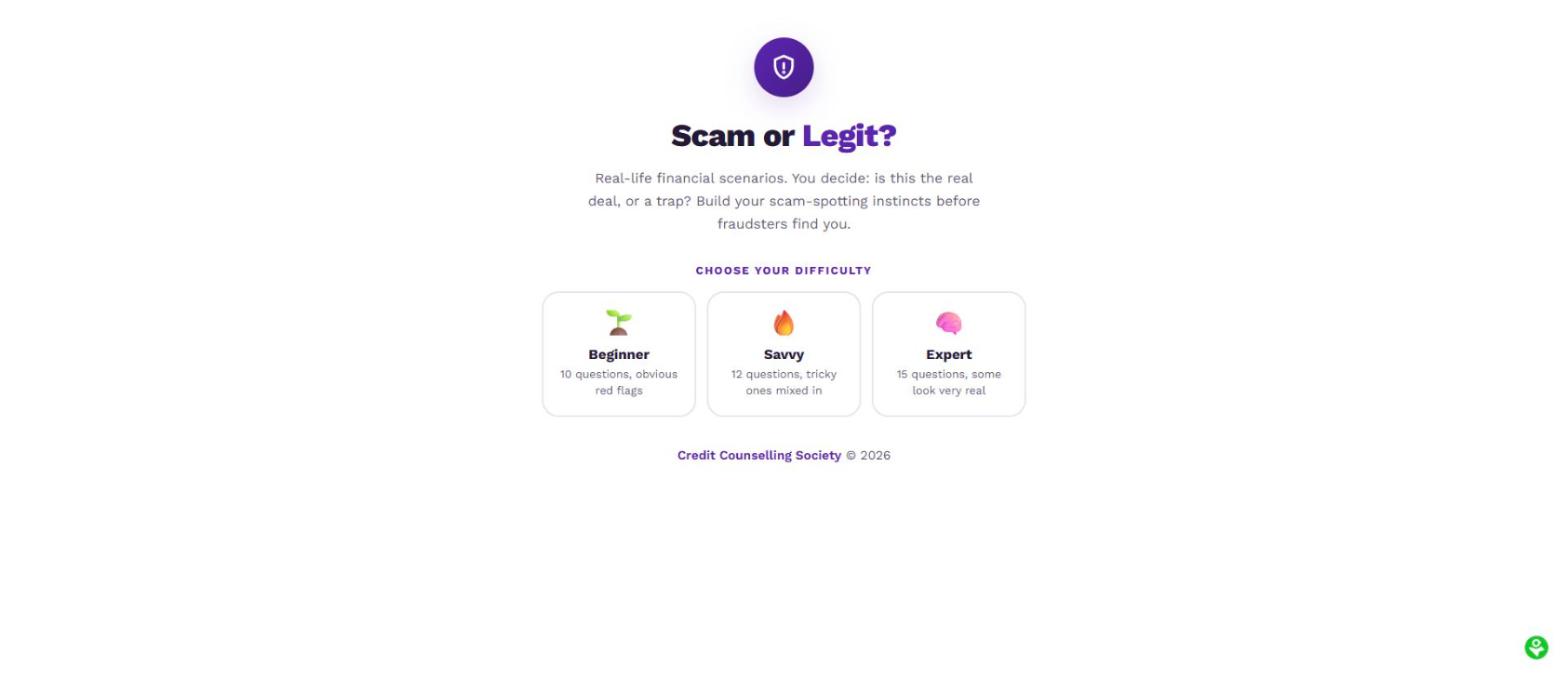
Scam or Legit?
What it shows: Difficulty selection for the fraud awareness quiz: Beginner, Savvy, and Expert.
Scam or Legit? presents real-world financial scenarios and asks players to spot the fraud, then explains the red flags they missed.
A shield icon above three difficulty options for a fraud-spotting quiz.
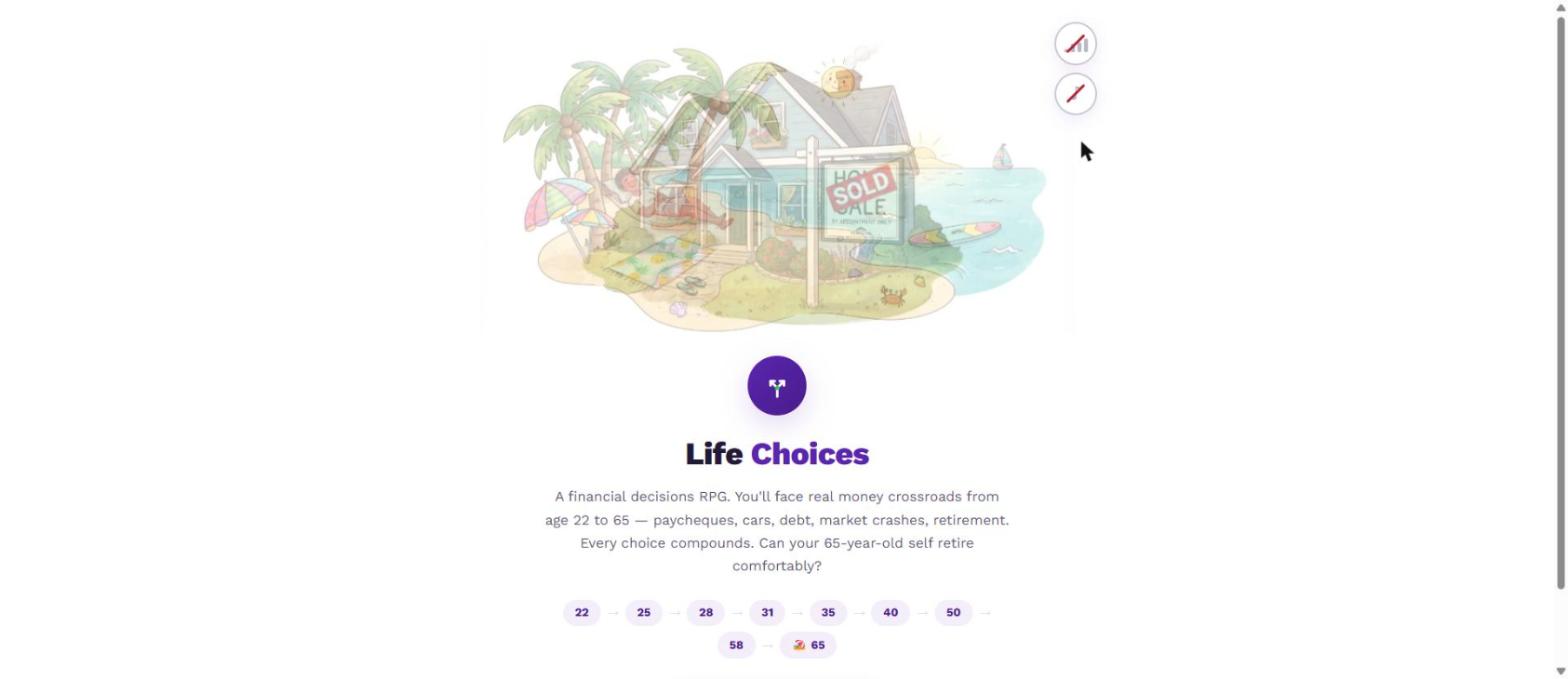
Life Choices
What it shows: Opening screen of the financial decisions game, showing the age timeline from 22 to 65.
Life Choices runs players through money decisions from age 22 to 65, where every choice compounds toward retirement.
An illustrated beach house with a sold sign, above a timeline of ages from 22 to 65.
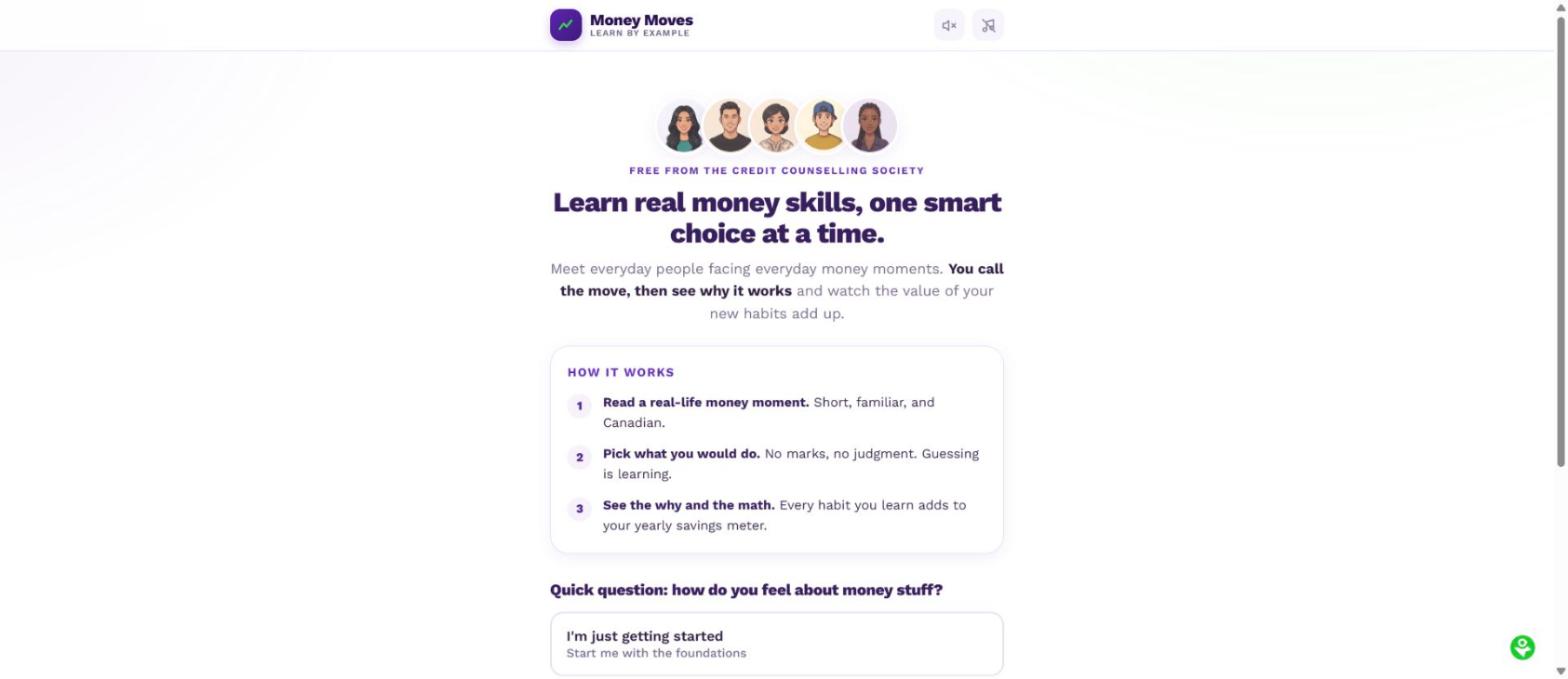
Money Moves
What it shows: Opening screen showing the cast of characters and the three-step format.
Money Moves puts players inside everyday Canadian money moments and explains the reasoning behind each decision.
Five illustrated character portraits above a three-step explanation of how the game works.
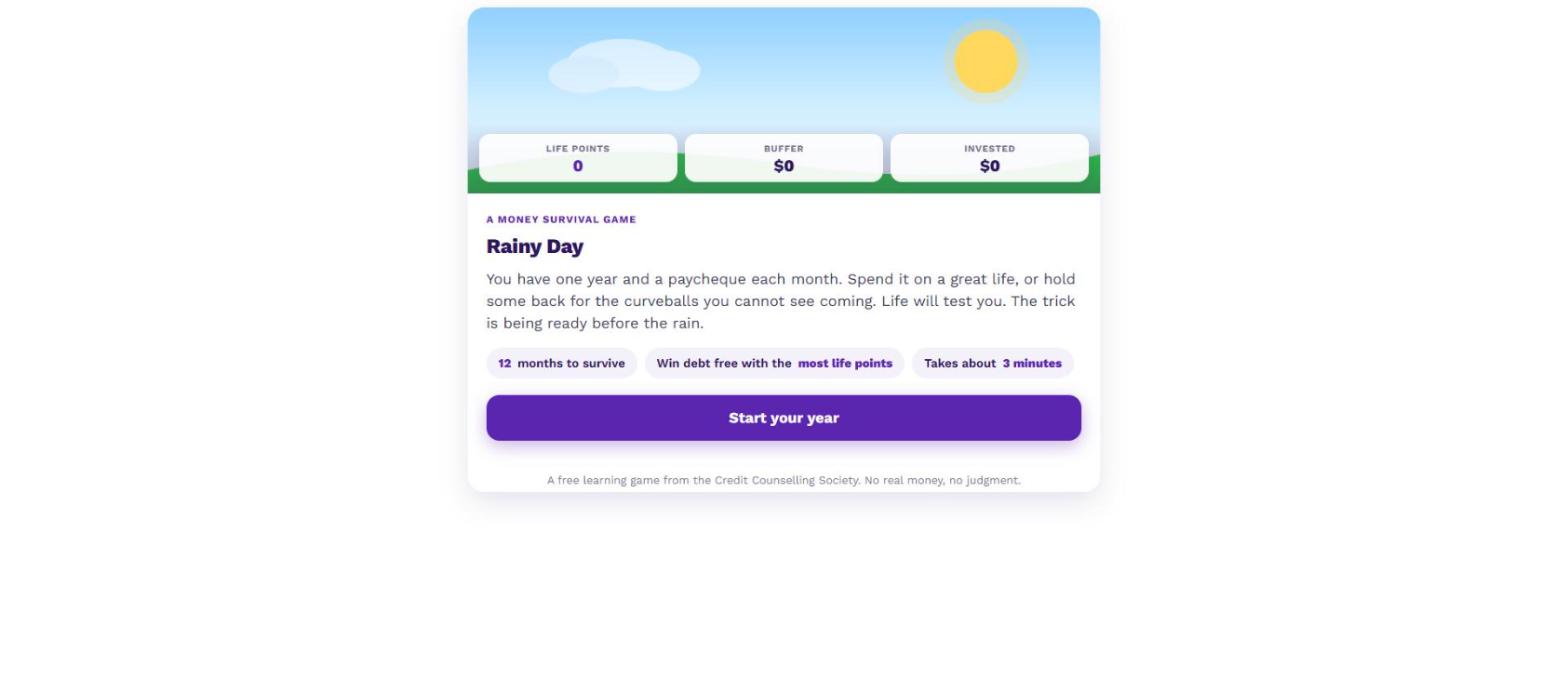
Rainy Day
What it shows: Opening screen of the emergency savings game, with life points, buffer, and invested meters.
Rainy Day gives players a year of paycheques and asks how much to hold back for the surprises they cannot see coming.
A sunny sky graphic above meters for life points, buffer, and invested savings.
Created for the step before the call
Free, no sign-up, no email address required. Figures entered stay in the user’s own browser.
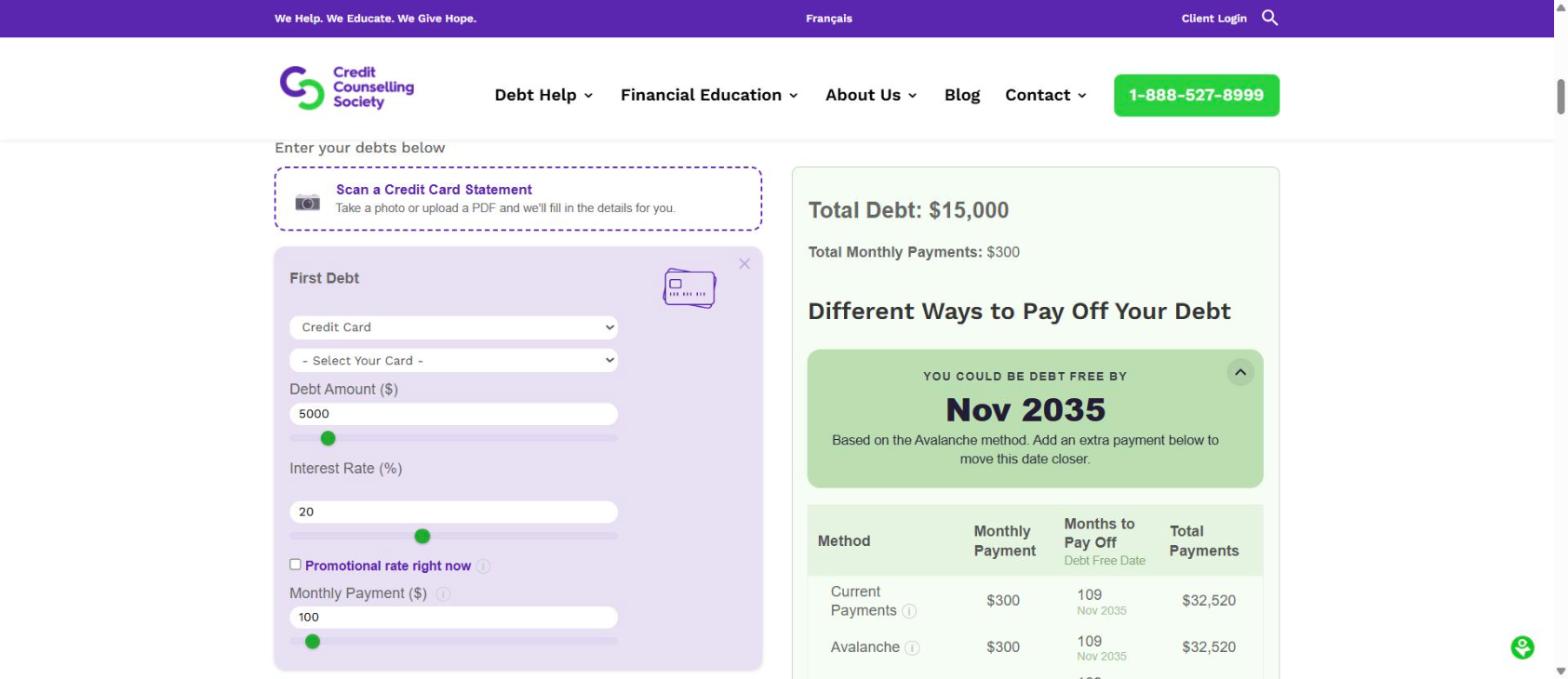
Debt Repayment Calculator
What it shows: The calculator in use, comparing repayment methods with a debt-free date and total interest.
The Debt Repayment Calculator compares five ways of clearing debt, including the snowball and avalanche methods, and shows what each one costs.
A debt entry form beside a results panel showing a debt-free date and a comparison of repayment methods.
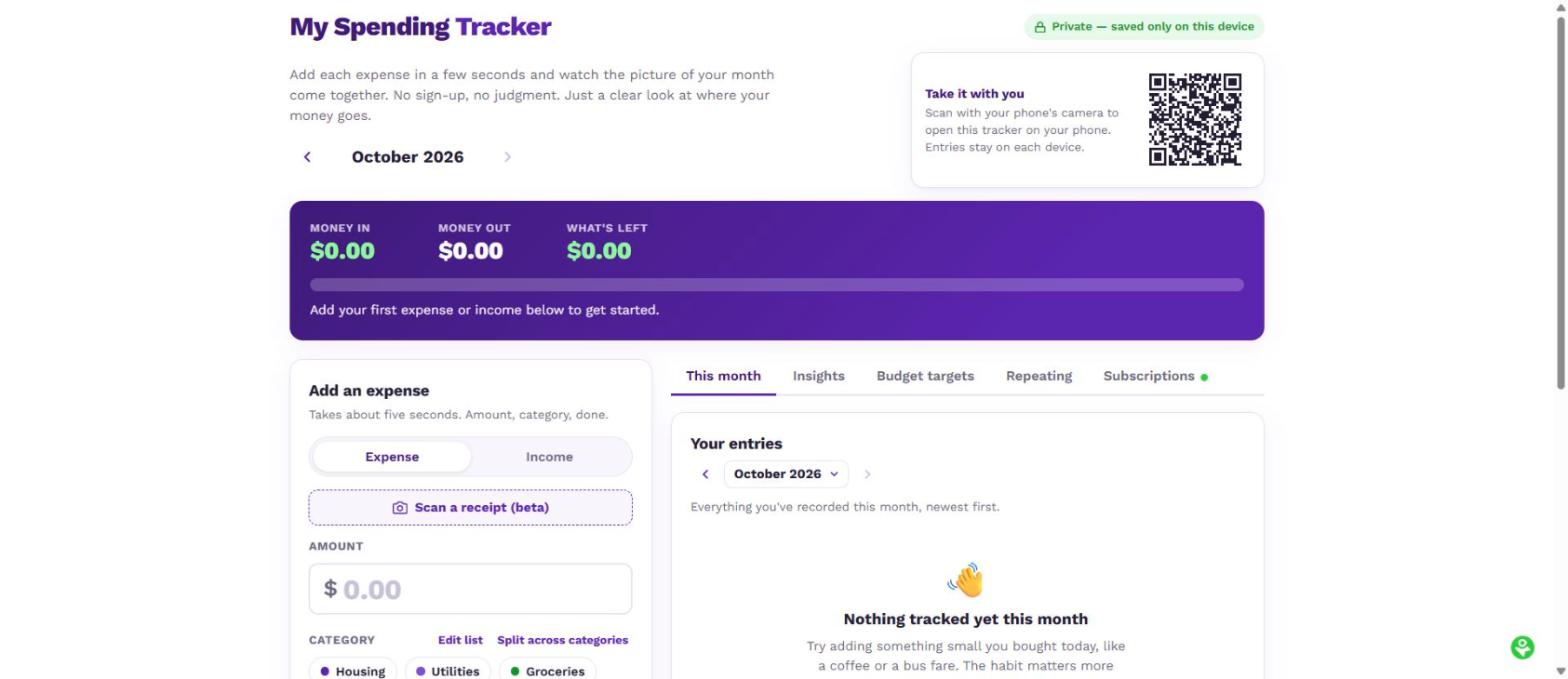
My Spending Tracker
What it shows: The tracker dashboard, showing money in, money out, and the entry screen with receipt scanning.
My Spending Tracker records where the money actually goes. Entries stay on the person’s own device.
A spending dashboard showing money in, money out, and what is left, with an expense entry form.
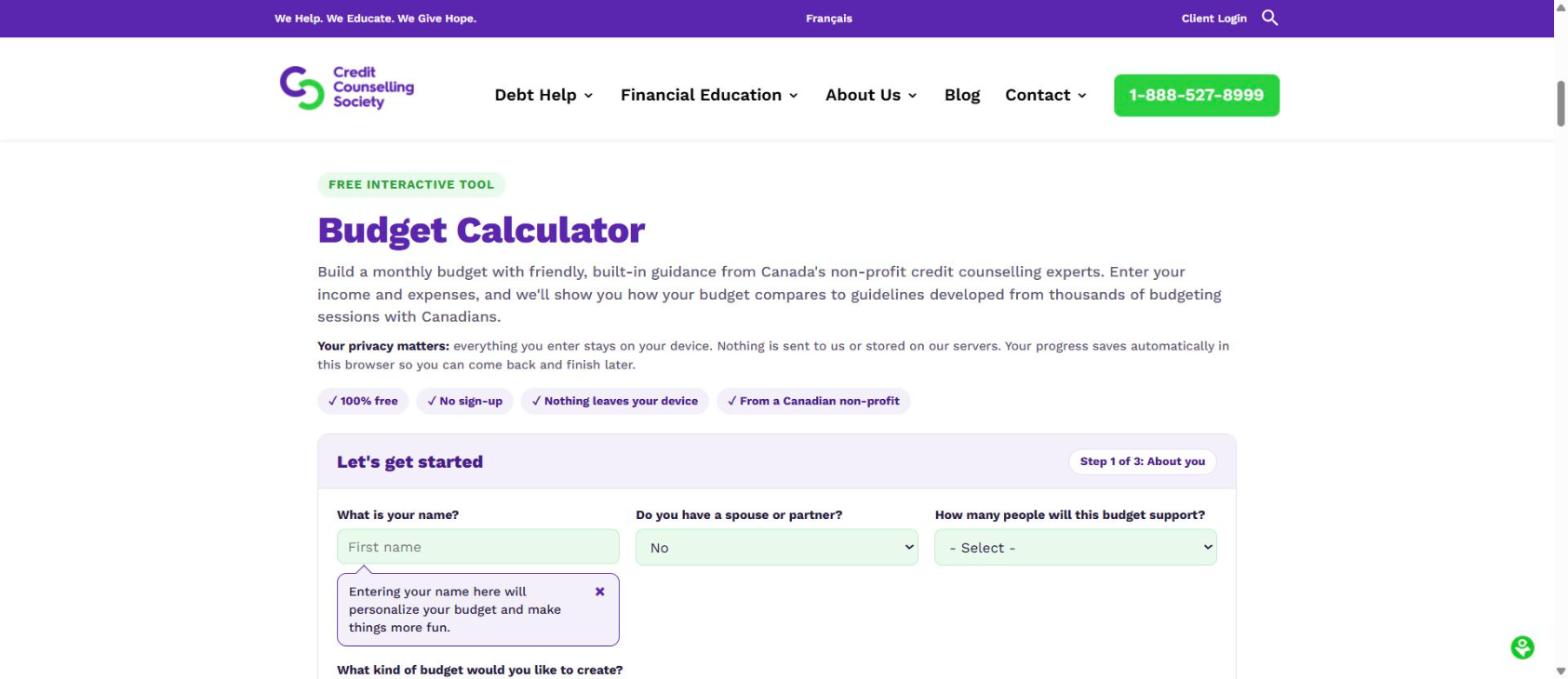
Budget Calculator
What it shows: The budget builder, showing the privacy statement and the first step of three.
The Budget Calculator builds a monthly budget against guidelines drawn from thousands of budgeting sessions with Canadians.
A budget builder showing step one of three and a privacy note that nothing leaves the device.
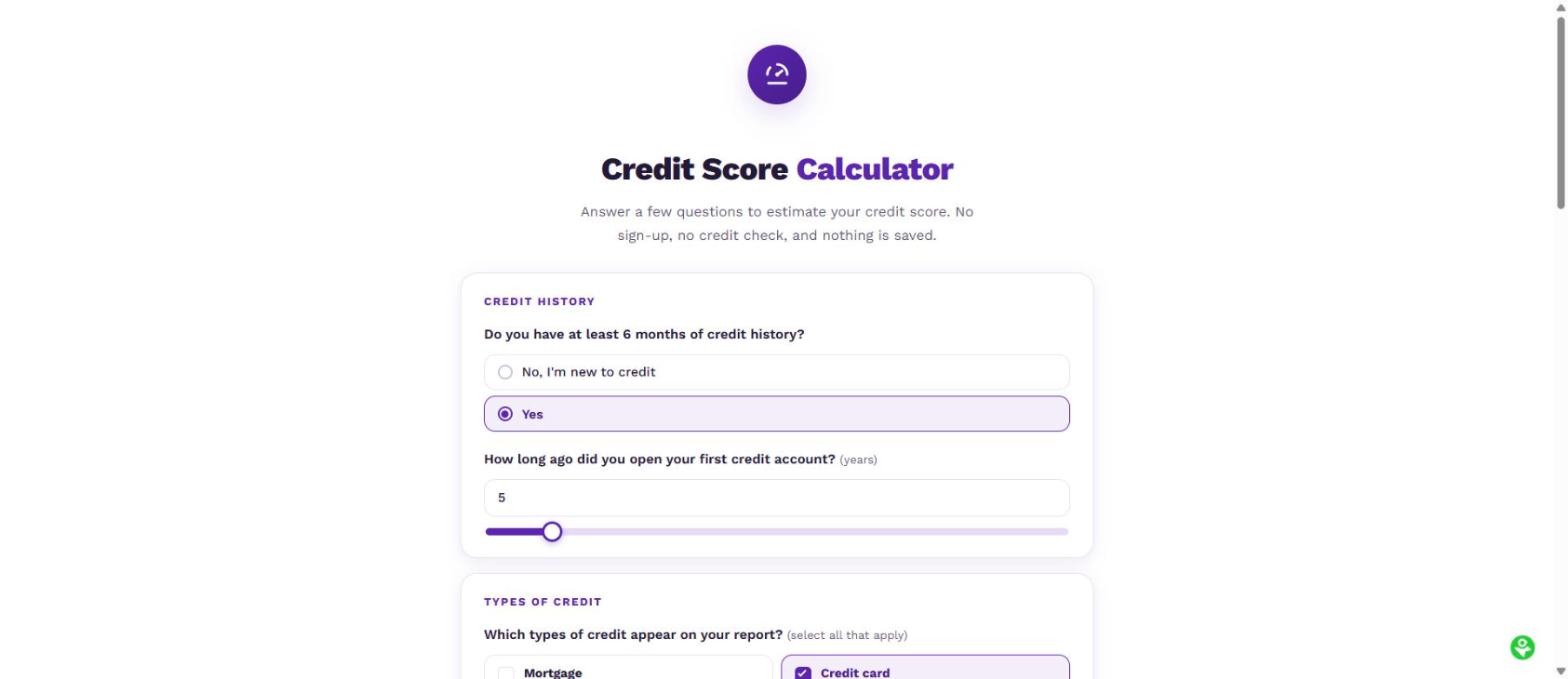
Credit Score Calculator
What it shows: The estimator questionnaire, covering credit history and types of credit.
The Credit Score Calculator estimates a range on Canada’s 300 to 900 scale with no credit check and nothing saved.
A questionnaire asking about credit history length and types of credit held.
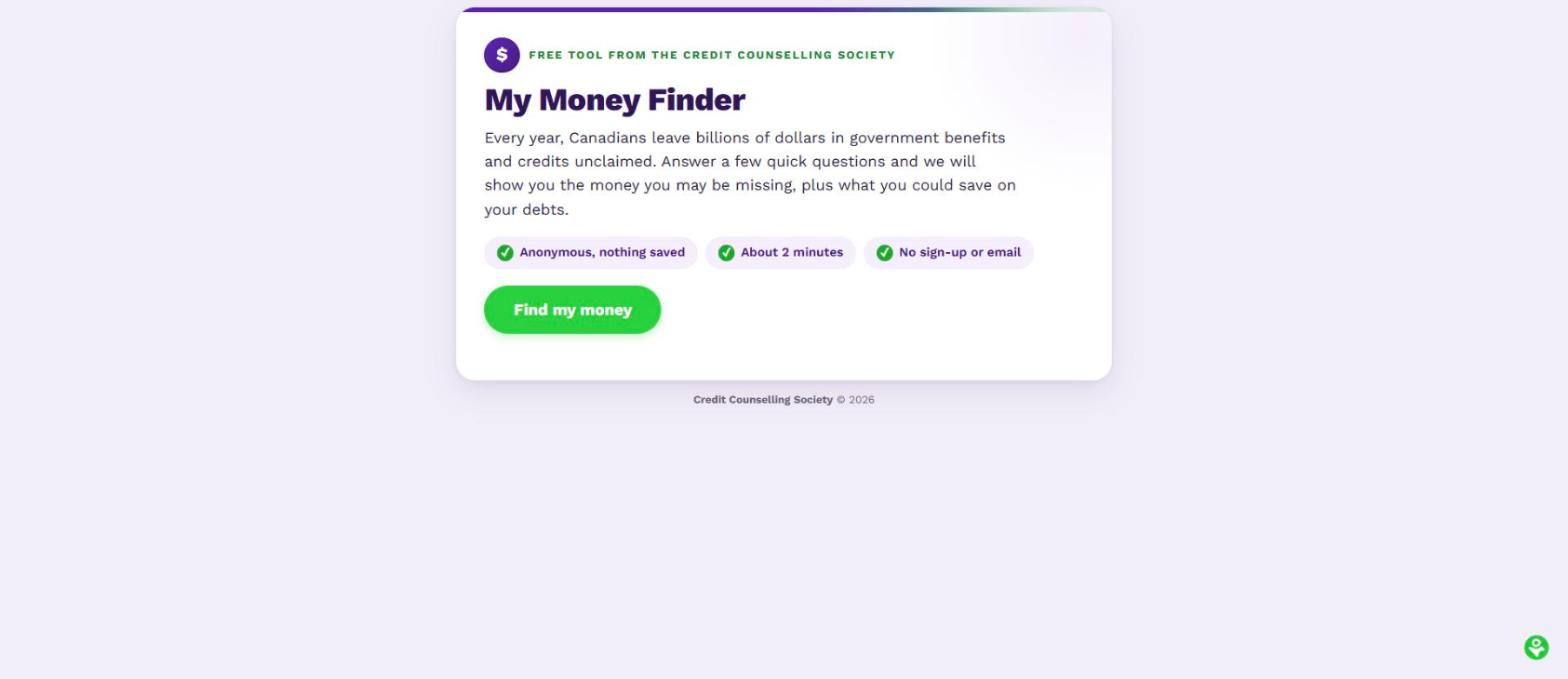
My Money Finder
What it shows: Opening screen of the benefits self-assessment.
My Money Finder helps Canadians identify government benefits, credits, and unclaimed money they may be missing.
A card explaining that Canadians leave billions in benefits unclaimed, with a Find my money button.
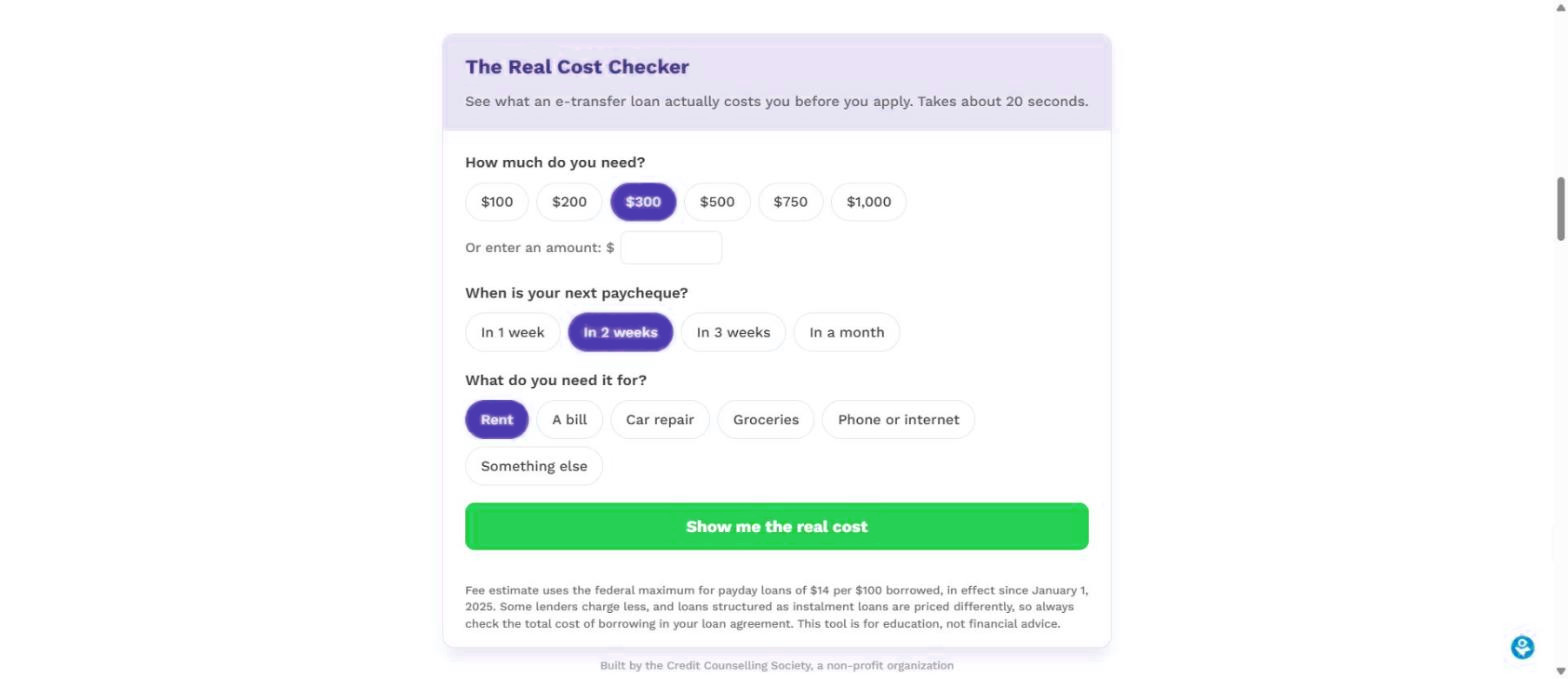
Real Cost Checker On MyMoneyCoach.ca
What it shows: The checker on MyMoneyCoach.ca, set to a $300 e-transfer loan repaid in two weeks.
The Real Cost Checker shows what an e-transfer or payday loan actually costs before someone applies, alongside cheaper alternatives.
A calculator asking loan amount, next payday, and purpose, with a button reading Show me the real cost.
Financial Health Check
Five screens from the 12-question self-assessment, from the start screen to the next steps panel.
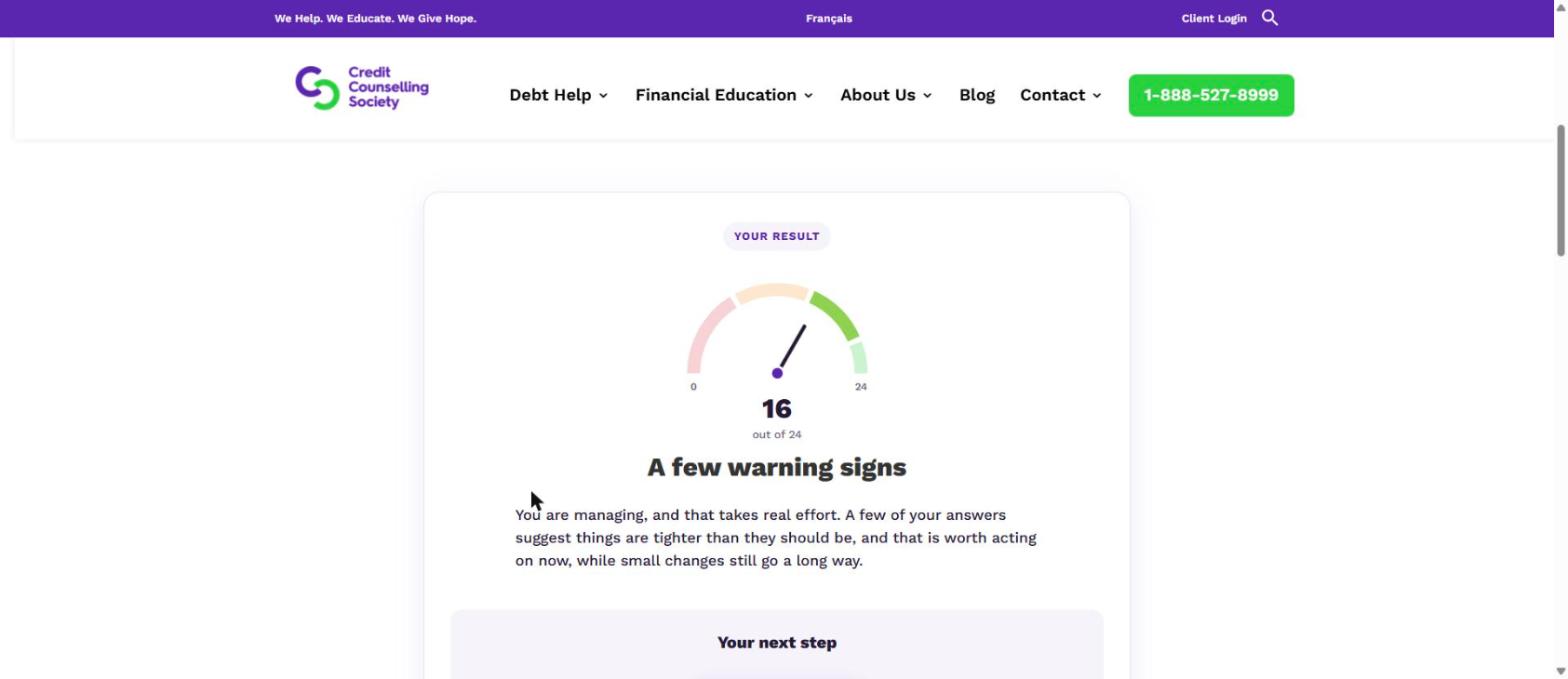
Financial Health Check (result)
What it shows: The results screen, showing a score of 16 out of 24 on a dial and the heading “A few warning signs.”
The Financial Health Check scores 12 answers out of 24 and sorts the result into a plain-language verdict, with next steps chosen for that situation.
A dial showing a score of 16 out of 24 above the heading A few warning signs.
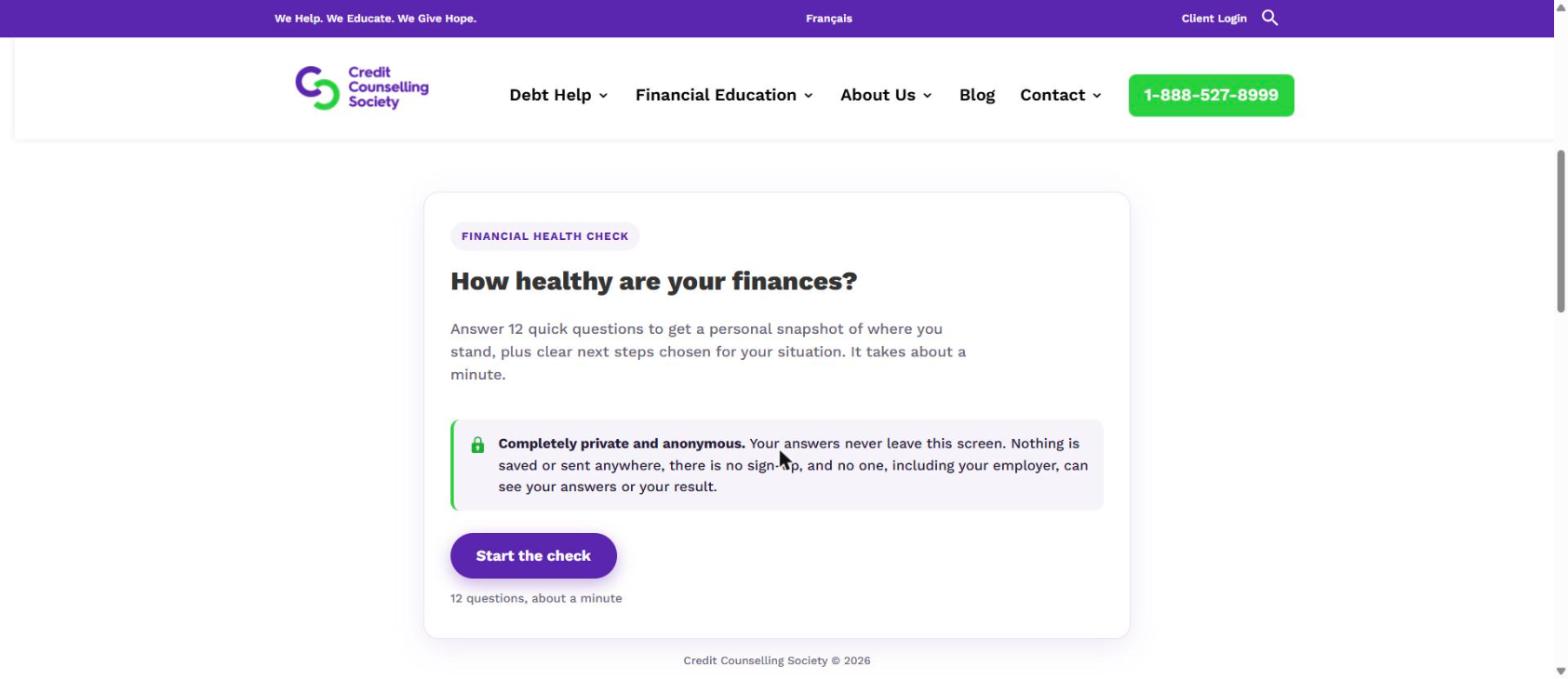
Financial Health Check (start)
What it shows: Opening screen of the self-assessment, with the privacy statement.
The Financial Health Check asks 12 questions in about a minute. Answers never leave the screen, and nothing is saved or sent anywhere.
A card headed How healthy are your finances, with a privacy notice and a Start the check button.
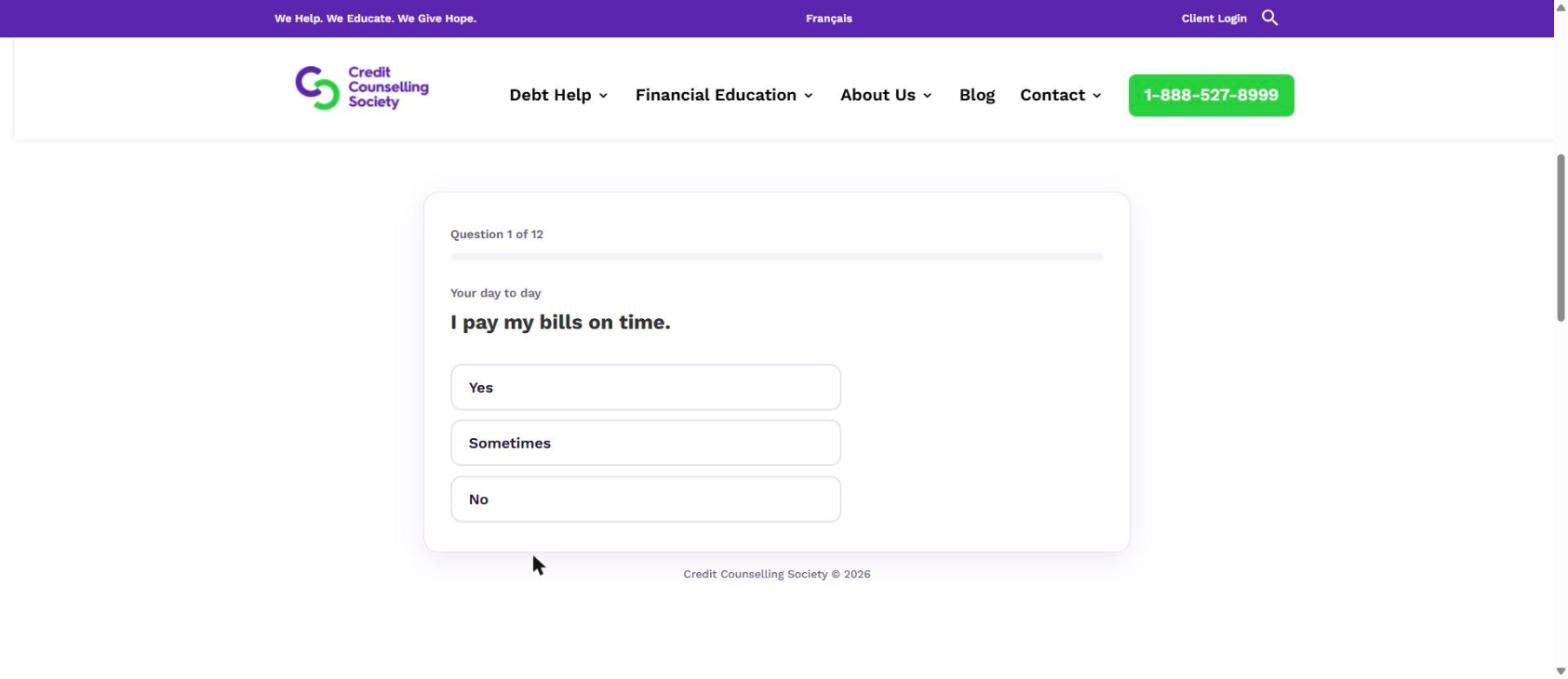
Financial Health Check (question)
What it shows: Question 1 of 12, “I pay my bills on time,” with Yes, Sometimes, and No.
Questions cover day-to-day money, borrowing and credit, saving, and how much money stress someone is carrying.
Question 1 of 12 reading I pay my bills on time, with Yes, Sometimes and No options.
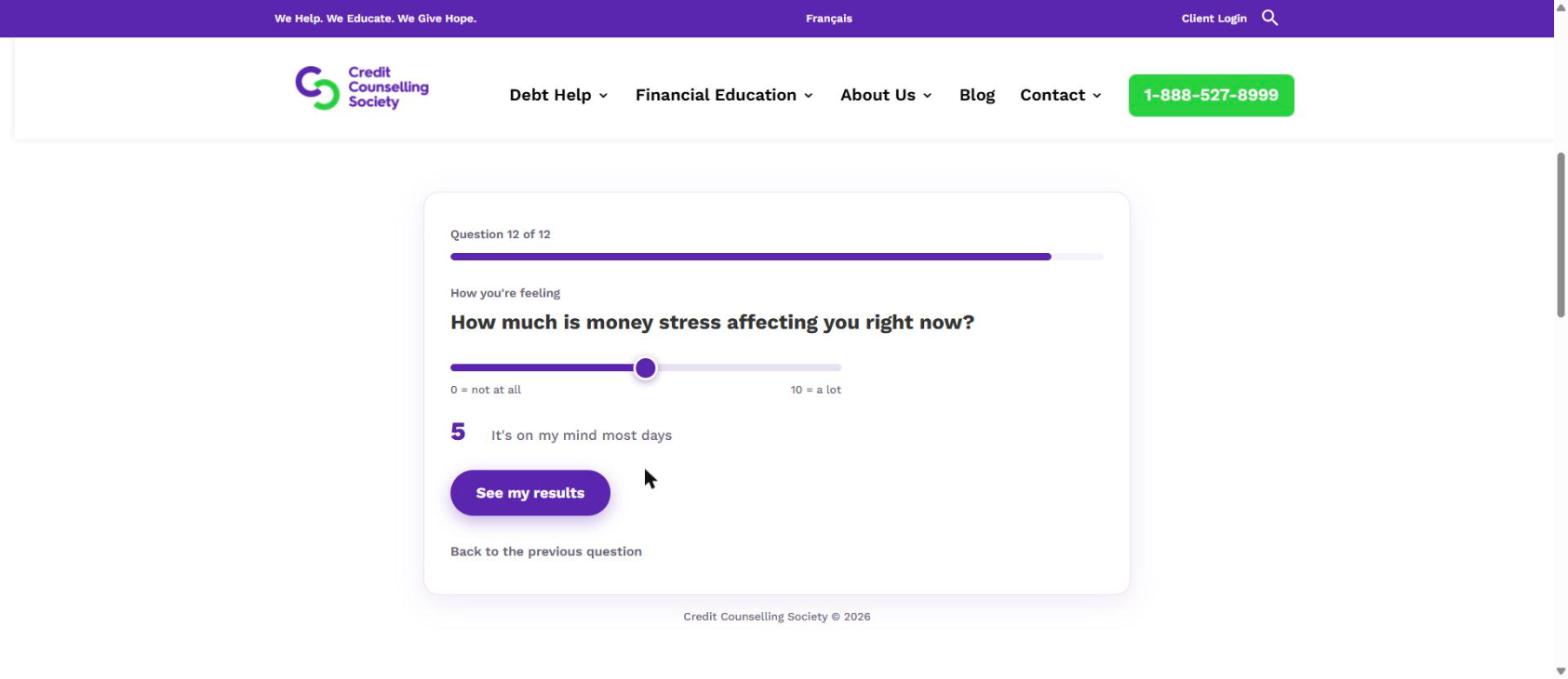
Financial Health Check (stress slider)
What it shows: The final question, a 0 to 10 slider measuring how much money stress the person feels.
The last question asks how much money stress someone is under right now, from not at all to a lot.
A slider from 0 to 10 asking how much money stress the person is under, set to 5.
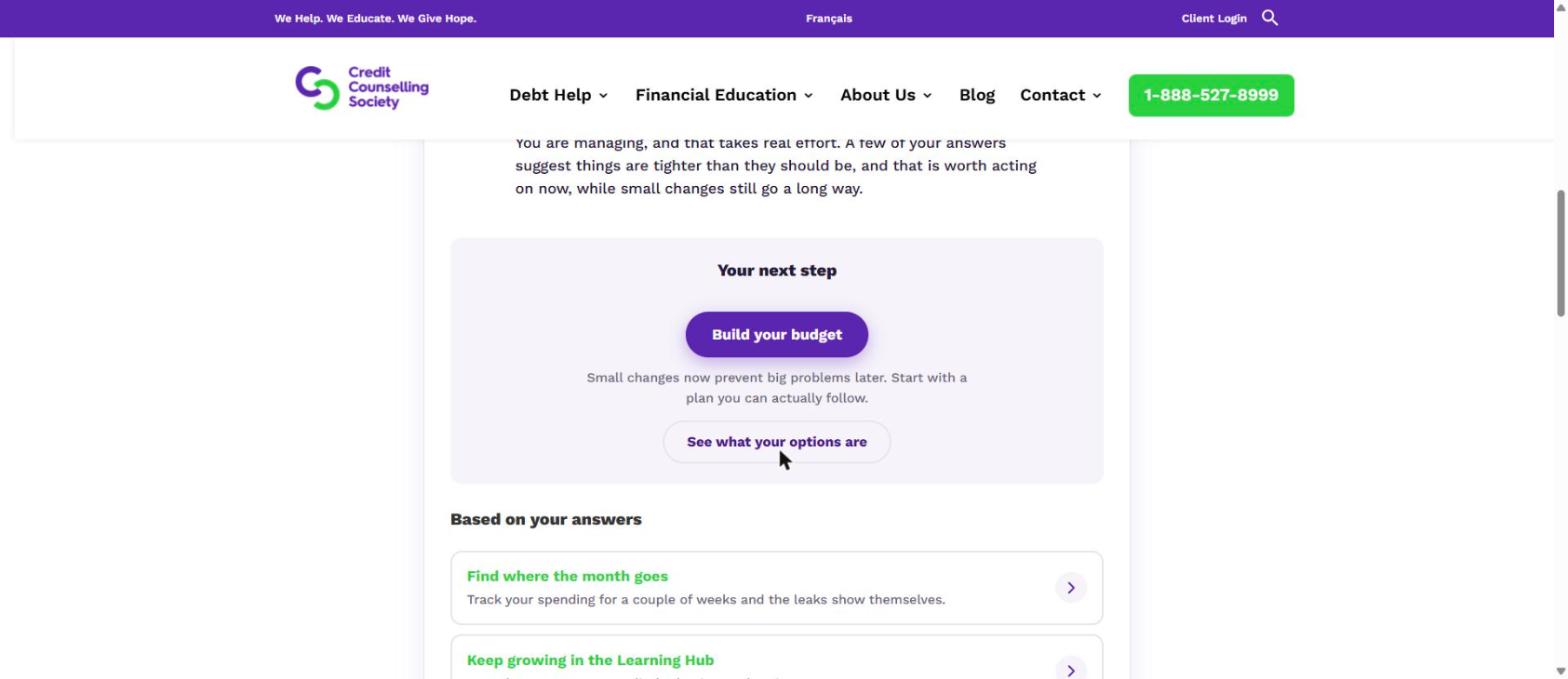
Financial Health Check (next steps)
What it shows: The next steps panel below the result, with suggested actions based on the answers given.
Every result ends with specific next steps rather than a score alone, including free tools and the option to speak with a counsellor.
A panel headed Your next step with a Build your budget button and further suggestions.
Where Canadians find the tools
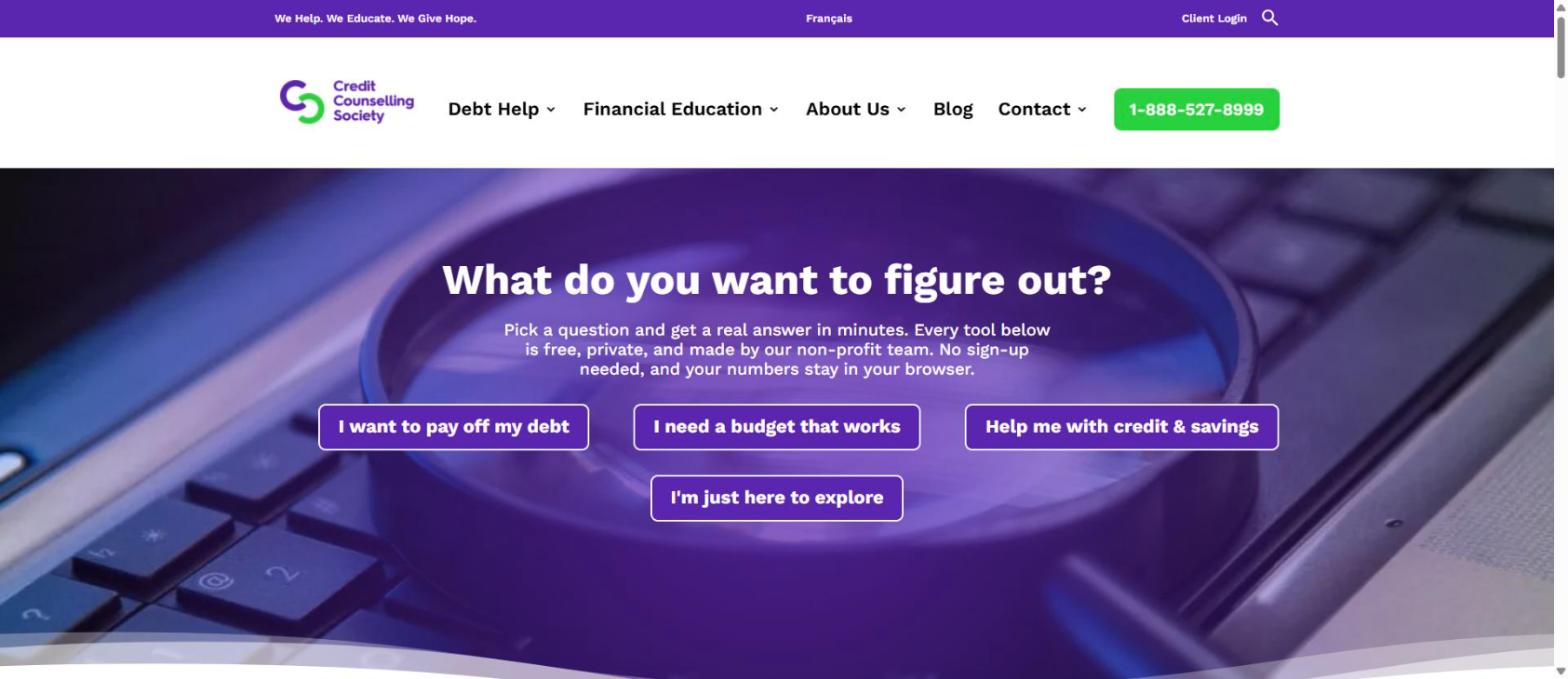
Tools hub on nomoredebts.org
What it shows: The tools landing page on nomoredebts.org.
The Credit Counselling Society’s free tools hub asks visitors what they want to figure out, then points them to the right calculator or self-assessment.
A landing page headed What do you want to figure out, with four category buttons.
From the 2026 Consumer Debt Report
A nationally representative sample of 1,222 Canadians was surveyed from January 26 to 28, 2026, and weighted to census data on age, gender and province.
of Canadians would feel embarrassed about reaching out for financial help.
are uncomfortable discussing personal financial difficulties.
would approach a non-profit credit counselling agency.
Compared with 32% who would go to a financial advisor and 26% to a bank or credit union.
of those carrying debt act only once it reaches a critical stage, or have not acted at all.
Available for interviews
Ali Harris-Saunders
Community Relations Manager, Credit Counselling Society
An accredited credit counsellor, Ali speaks to the money myths Canadians ask about most, the options that exist beyond insolvency, and why the first conversation about debt gets easier when someone already knows where they stand.
To arrange an interview, contact John Lock.
Also quoted in the release
- Peta WalesPresident & CEO
Credit Counselling Society - Isaiah ChanVice President of Programs & Services
Credit Counselling Society
Quotes from the release may be used with attribution. Interview availability is arranged through the media contact.
Boilerplate and brand assets
The Credit Counselling Society is a national non-profit organization that provides free credit counselling, debt management options, budgeting assistance, and financial education to Canadians. For more information, visit nomoredebts.org or call 1-888-527-8999.
Credit Counselling Society logo
Please use the logo as supplied, without recolouring or redrawing it. Need another format? Email [email protected].
John Lock
Director of Marketing & Community Engagement
Credit Counselling Society
Working to a deadline?
Everything on this page can be used right away under the usage terms above. For interviews, print-resolution images, specific crops, or anything not covered here, get in touch and we will sort it out.
Email the media team
